Find the answer. See the source.
We build document intelligence around the files your team already works with: contracts, records, reports and procedures. Start with a defined collection, ask useful questions, and keep the source close enough to check.
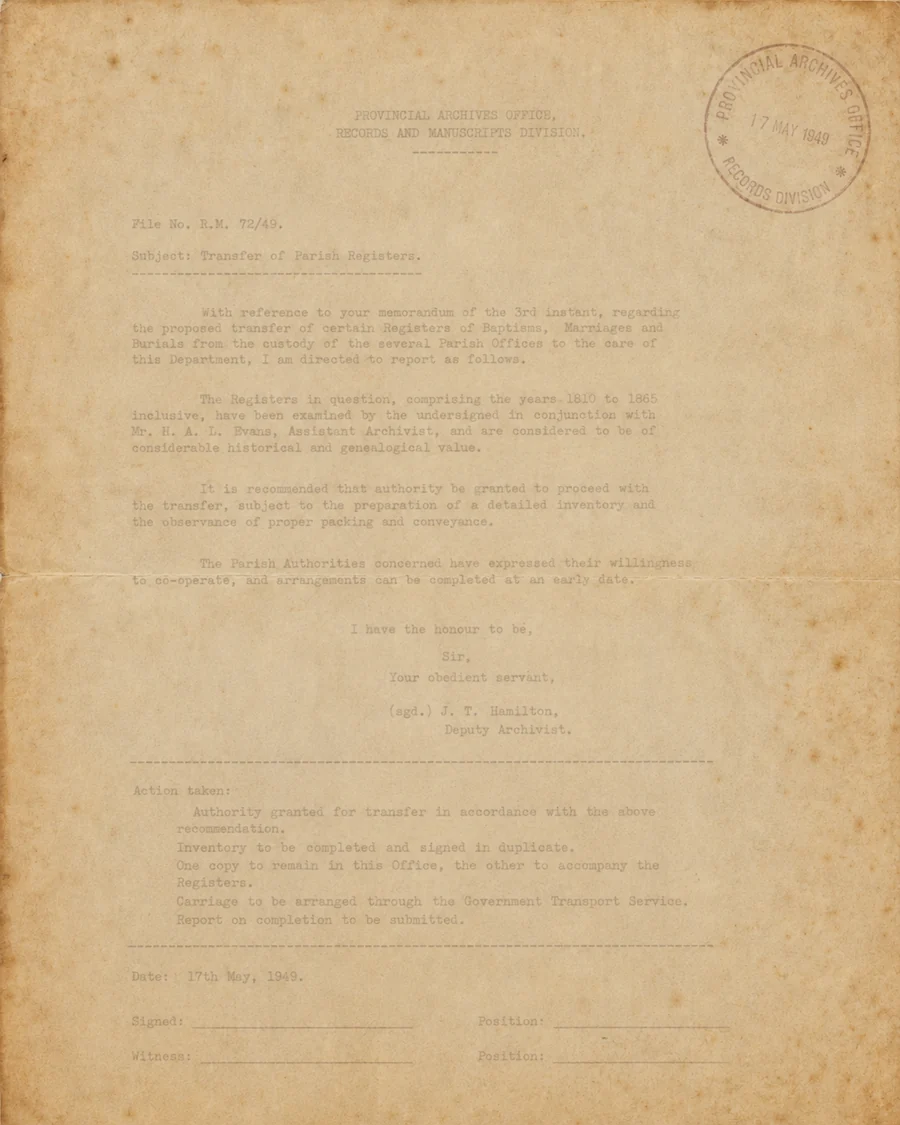
Your documents, working for your team.
Augova builds document workflows around the contracts, records, reports and procedures you already keep. Your team finds what it needs, sees where it came from and saves its time for the review that needs judgment.
Find it when you need it.
Years of useful information sit in folders that are hard to search under pressure. We start with the documents that matter, who should see them and the questions your team asks most.
Every answer shows its source.
Source-linked answers take the reviewer straight back to the passage behind them. When a scan is unreadable or the documents don't support an answer, the workflow says so and routes it to a person.
Incoming files sorted before the pile grows.
Classification separates document types and routes each one to the right queue, so intake no longer depends on someone opening every attachment. Just as important, the workflow surfaces the exceptions: an incomplete form, a missing page, a file that matches no expected category. Those land in front of the right person instead of disappearing into a folder. Extraction is scoped around the formats in your own sample set, from PDFs to scans and office files.
Drafts grounded in the record.
Summaries and reports built from your existing material, with the fields, source references and approval step defined up front. A person signs off the final document.
Start with one collection.
A bounded set of representative files is enough to prove the value and set the rules before you expand to the rest of the archive.
Example workflow
- 1
Select
Choose a bounded collection and representative files.
- 2
Extract
Check readable content, document type and missing fields.
- 3
Retrieve
Find supporting passages for an allowed question.
- 4
Review
Show the source and route unsupported answers to a person.
Decide what the phone is allowed to know.
Document search and voice intake can be connected where the project calls for it. Public questions and private records need different rules. Access to a document does not automatically mean an agent should disclose it to a caller; identity and permissions must be designed first.
Document Intelligence
Access rules
Every answer points back to the page.
An answer is only as useful as your ability to check it. Each response is shown with the passage it came from, so a reviewer can open the source, read it in context and decide. Where the documents disagree or say nothing, the workflow shows that gap instead of filling it.
Document Intelligence
Source-linked
Check out our blogs about document intelligence.
See moreQuestions before you start
We review representative files during scoping. PDFs, scanned documents and office files may need different extraction steps; the accepted formats and limits belong in the project scope.
No. A source reference helps a person check the answer. Extraction and interpretation can still be wrong, especially in poor scans or conflicting documents.
This service supports finding and reviewing information. Professional judgments stay with the qualified people responsible for them.
Only through a deliberately scoped access and identity workflow. Private document search must not become unrestricted caller access.
Data use and vendor restrictions must be stated in the engagement agreement. A separate training project requires its own agreed scope and rights; ask us to review these terms before uploading sensitive material.
Bring us one real workflow.
Tell us what happens today, what gets missed and which tools your team uses. We will discuss a sensible starting scope.